AI Agents That Survive Production
Boundaries, audit trails, and humans in the architecture. The difference between an agent that demos well and one that runs for months without paging you.
The demo was impressive. The agent wrote code, called APIs, fixed its own bugs. The team clapped. Six weeks later, the same agent was paging the on-call engineer at 3am because it had recursively called itself into a $40,000 API bill while trying to "optimize" a database query that didn't need optimizing.
The gap between "it works in the demo" and "it runs for months without paging you" is not model quality. It's architecture. The agents that survive production aren't the smartest ones — they're the ones with guardrails, audit trails, and humans in the loop before they're needed.
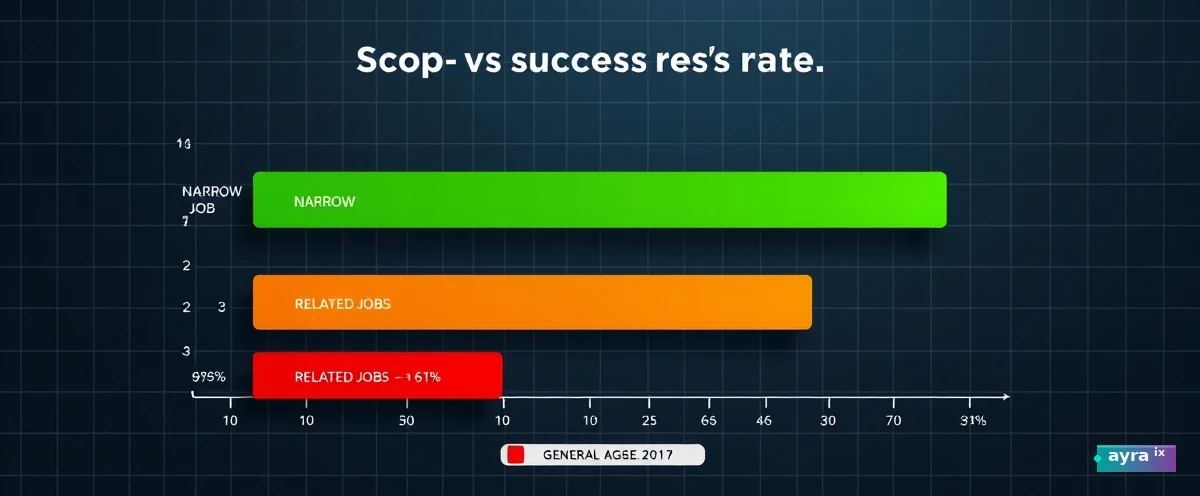
Narrow Beats General, Every Time
The agents that survive are boringly specific. They do one thing: "reconcile this invoice against that PO" or "triage this alert and escalate if confidence < 0.85." They don't "reason about the codebase." They don't "use tools flexibly." They follow a narrow script with escape hatches.
The generalist agent is a demo artifact. It looks magical in a controlled conversation. In production, it's a liability — every additional capability is a new failure mode you didn't test.
Guardrails Aren't Optional
Every production agent needs four hard boundaries before it sees a single request:
| Guardrail | What It Prevents |
|---|---|
| Timeout | Runaway execution, recursive loops |
| Retry budget | API bill explosions, cascade failures |
| Permission scope | Unauthorized actions, data leaks |
| Budget cap | Cost overruns, resource exhaustion |
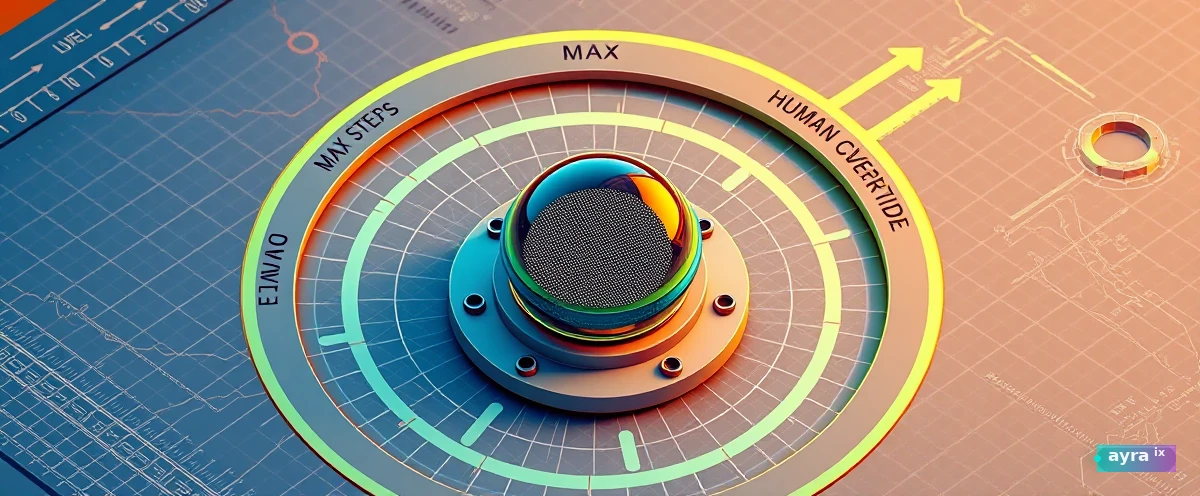
These aren't suggestions. They're the difference between an agent that pages you at 3am and one that handles its own retries, logs its own failures, and stops itself before it does damage.
Audit Trails Are the Product
When the agent fails — and it will — you need to answer three questions in under five minutes: What did it try? Why did it decide that? Where did it go wrong?
If your answer is "check the logs," you don't have an audit trail. You have a mess of unstructured log lines that nobody reads until something breaks.
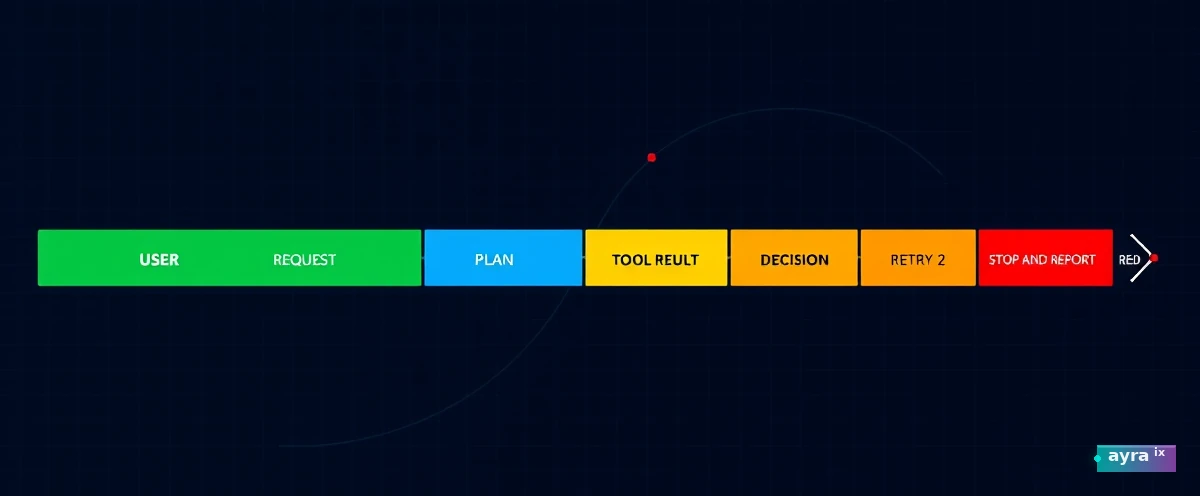
Every agent action needs a trace ID, a decision rationale, and a failure classification. The trace is not debugging — it's the product. If you can't replay an agent's reasoning from its trace, you don't have a production system. You have a demo that got lucky.
The Loop Needs Walls, Not Vibes
The production agent loop has walls:
- Plan with a budget. Max steps, max tokens, max wall time. If exceeded, stop and report.
- Tool calls are contracts. Every tool has a schema, a timeout, a retry policy, and a fallback.
- Results are classified. Success, partial, failed, escalated. No "let me try again differently" loops without a counter.
- Human escalation is a first-class action. Not an exception — a designed path with SLA.
These walls don't make the agent less capable. They make it trustworthy. Trust is what lets you hand it real work instead of keeping it in a sandbox.
The Human in the Architecture
The override lever is green, not red. It's not "stop the agent" — it's "the agent knows when to hand off." The best production agents escalate proactively: "I've retried twice, confidence is 0.61, human review needed." They don't wait for you to notice the fire.
That green lever is the contract between the agent and the human. It says: "I have boundaries. I know when I'm out of my depth. I will tell you before I break something."
An agent without a human override lever isn't autonomous. It's a time bomb with a schedule.
The Agents That Ship
They're not the ones with the most tools or the longest context windows. They're the ones with:
- A single, well-defined job
- Four hard guardrails
- An audit trail that replays cleanly
- A human override lever that's tested monthly
The rest is just demo code.
Quick check — did this stick?
Question 1 of 3Keep exploring on ayraix.com
- Agent Memory Without Contamination COMMUNITY
- NDA Generator TOOL
- The World Cup on a Melting Planet TRENDZ
Stay with us · explain
Do You Believe AI Agents Should Have Human Oversight in Production?
Should production AI agents always have a human override option? Why or why not?
No account needed — pick a take, then keep reading. We rotate these prompts so each piece feels like a conversation, not a clone.